How to make a music video for a Suno song
Turn a song from Suno, Udio or another AI generator into a music video, a lyric video and a Spotify Canvas. Check your rights first, then the steps.
Updated

You made a song in Suno and it's good. Now it needs to look like a release: a music video for YouTube, something vertical for TikTok and Reels, and a loop for Spotify. You can make all of it from the one audio file. First, though, make sure the song is yours to use that way.
Step 1: check what your plan lets you do
This matters more than any visual choice, so do it first. From Suno's own help pages and terms:
- Free plan: Suno owns the songs, and you may use them only for non-commercial things. A music video on a monetized channel, or a release on Spotify, is commercial.
- Pro or Premier: songs you make while subscribed are yours, and you keep the commercial rights after you cancel.
- Upgrading later doesn't help old songs. A song made on the free plan stays non-commercial.
- Downloads are counted. Since September 3, 2026, Pro includes 20 downloads a month and Premier 60, and only songs you downloaded through a permitted download can be used commercially.
Udio is stricter right now: its terms say Udio owns the output and allow personal, non-commercial use only, with no downloads.
If you plan to put the song on Spotify too, read how to release an AI song: distributors have their own rules on AI music.
Step 2: get the best audio you can
Download the finished track as a WAV if your plan offers it, otherwise the highest-quality MP3. Video won't fix a muddy mix, and the lyrics are found by listening to the vocal, so a clean vocal gives you cleaner timing.
Keep your own lyrics handy. AI vocals sometimes blur words together; if you paste the lyrics you wrote, Kinetune lines them up with what it hears instead of guessing.
Step 3: decide what kind of video it is
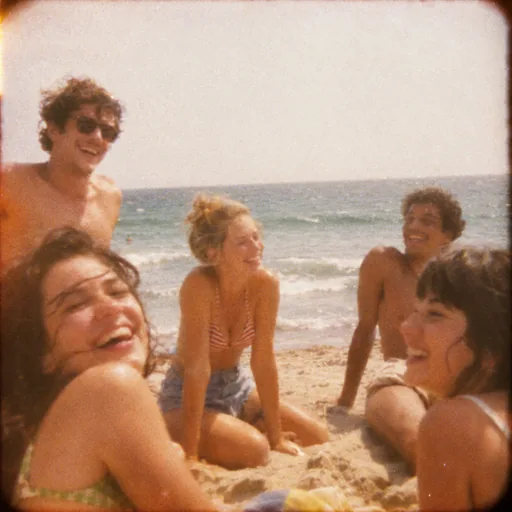
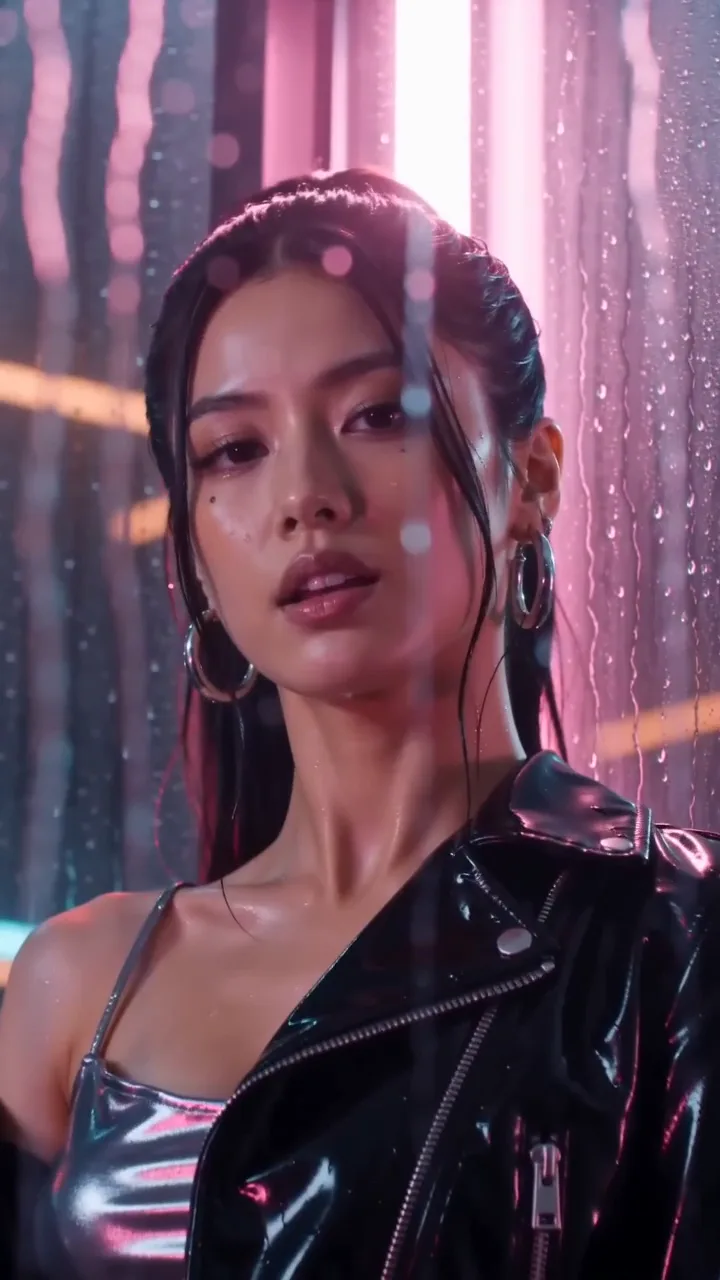
"A music video" covers a lot. Pick one idea that suits the song before anything else. These are the kinds Kinetune films now, each with a frame from its demo where there is one:
Performance
The performer sings to camera in one place that suits the song.

Performance & story
The performer sings to camera, cut against them living the song’s story.
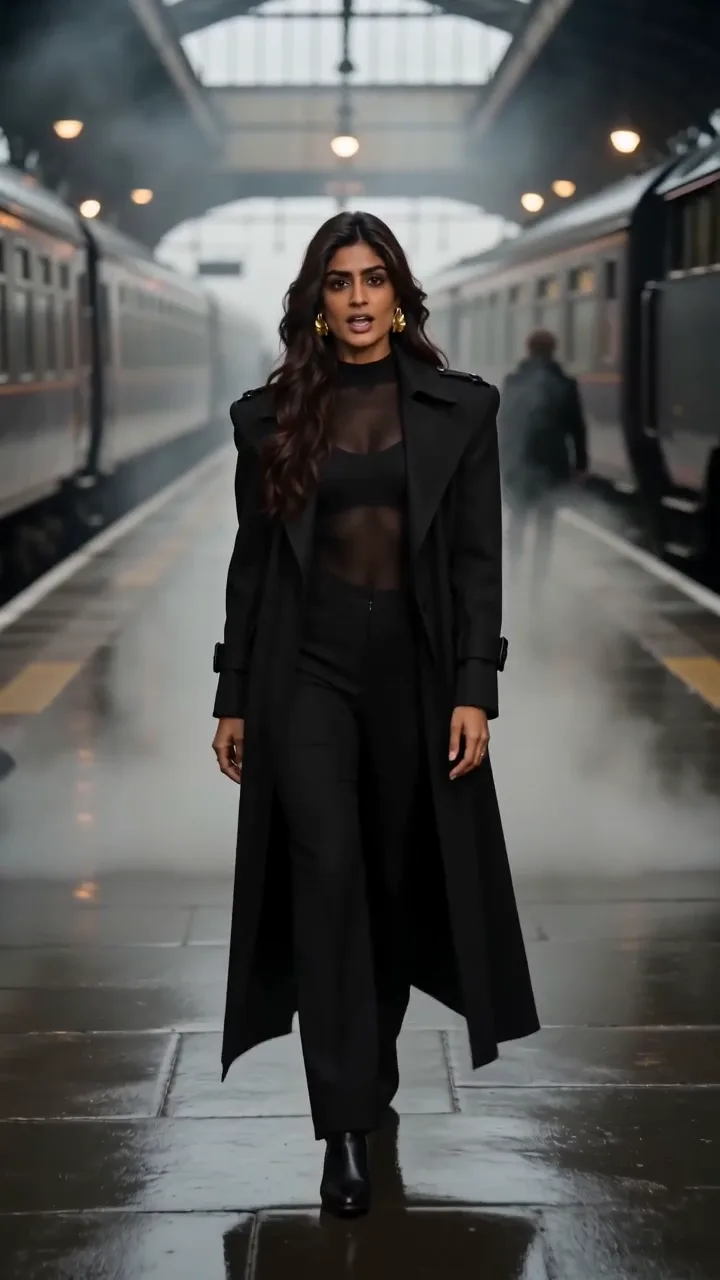
Cinematic
A performance on the move: long travelling takes through one place, singing to the lens.
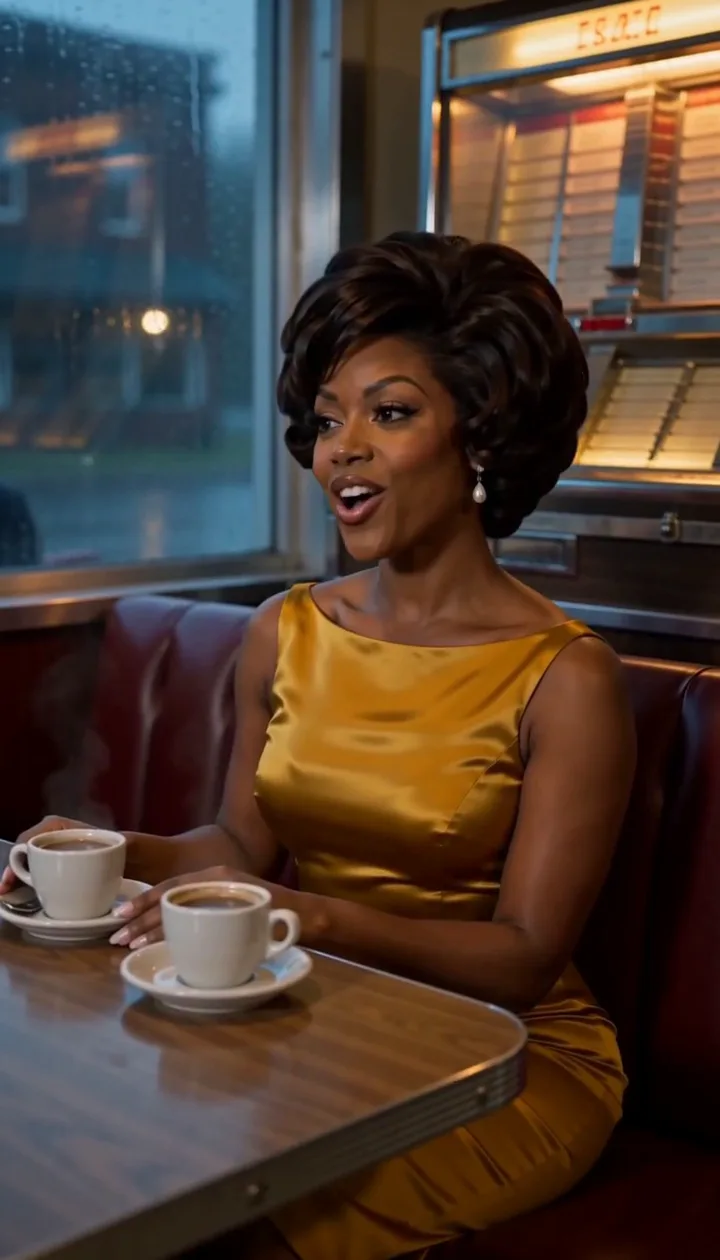
Story
The performer lives the song’s story, singing its lines inside it, never on a separate stage.
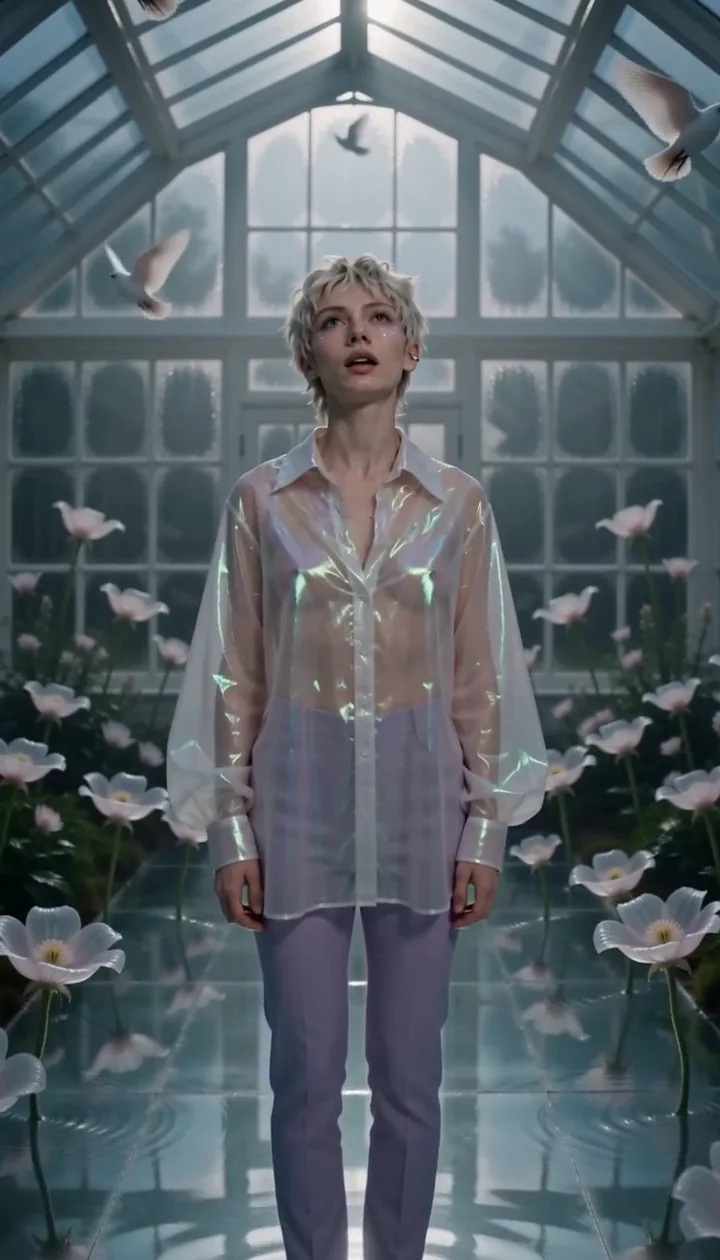
Surreal
Impossible things happen in ordinary places while the performer keeps singing.
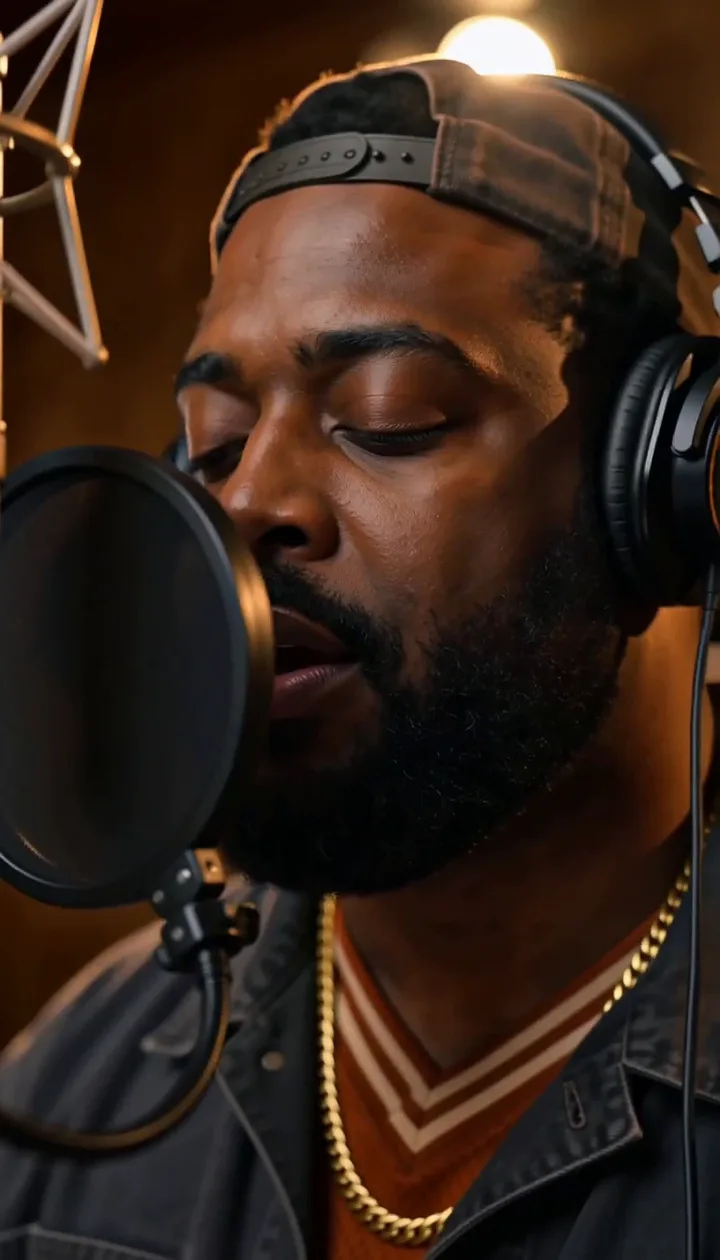
Studio session
A live take in a recording room: the performer at the mic, the band around them.
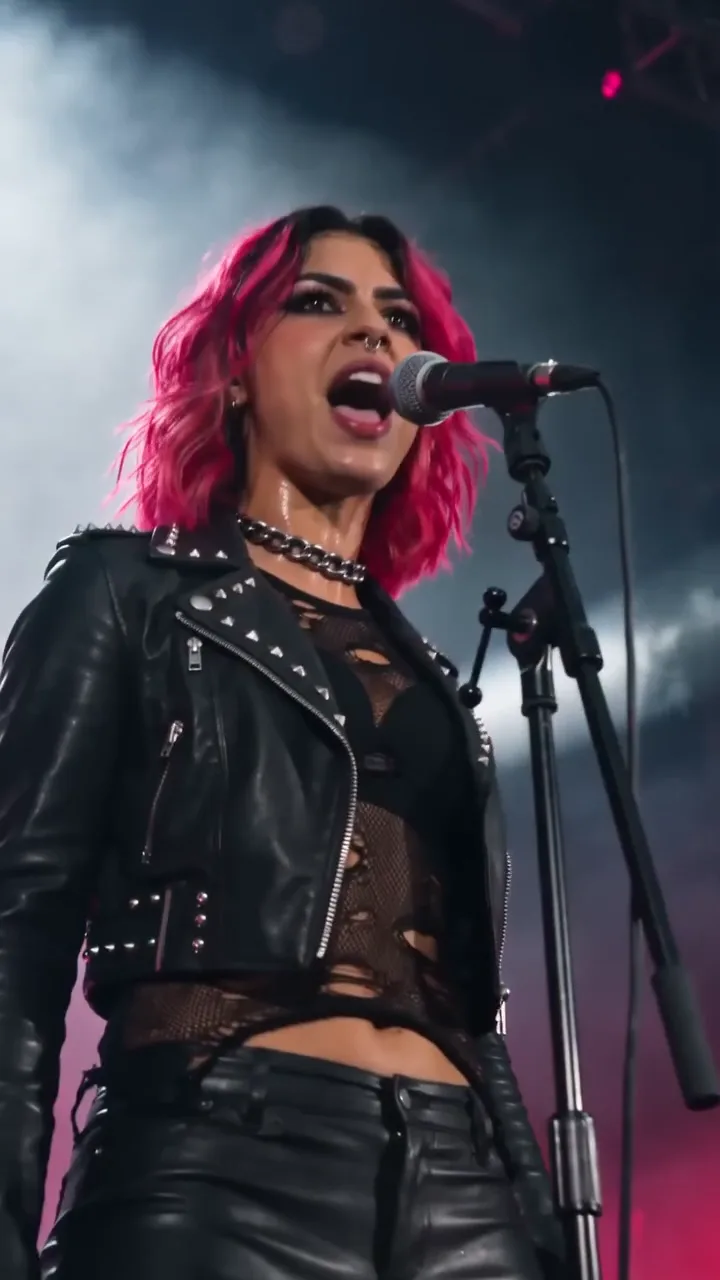
Live stage
On stage under the lights, the crowd a glow behind them.
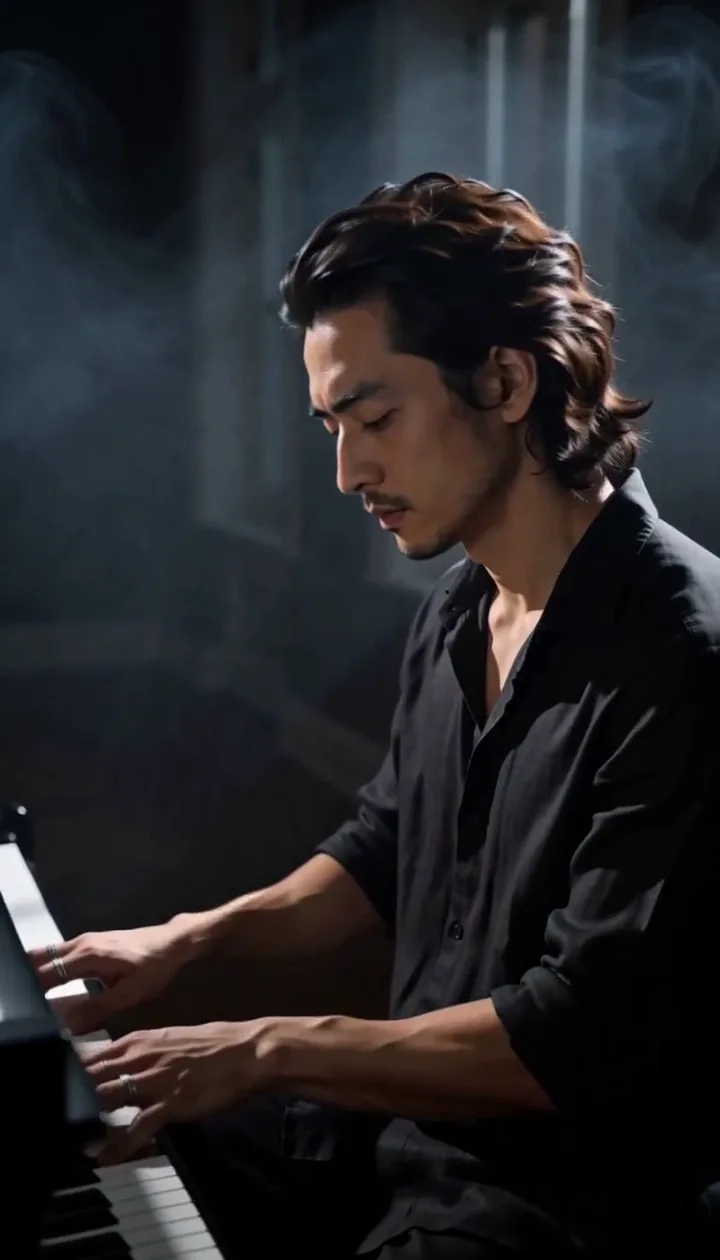
At the instrument
The performer plays and sings the song at their instrument: piano, guitar, decks or drums.
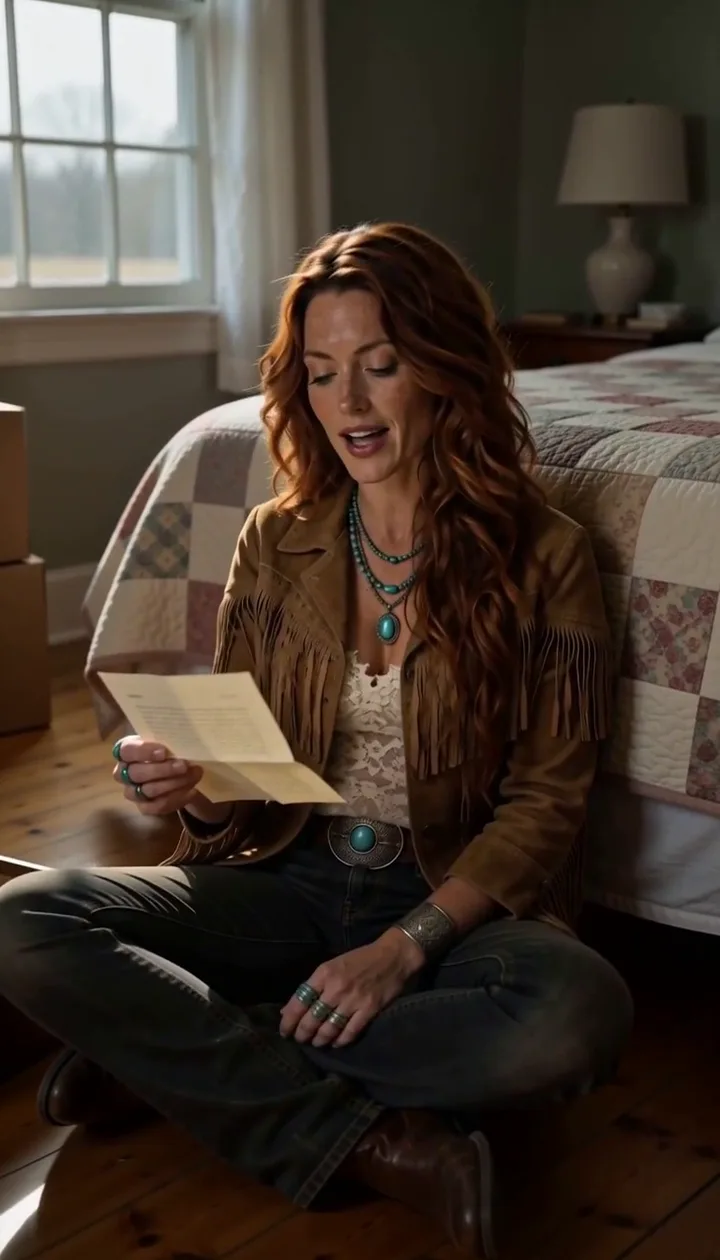
Lyric-led story
The performer lives the song’s story and sings its key lines to the lens from inside it.
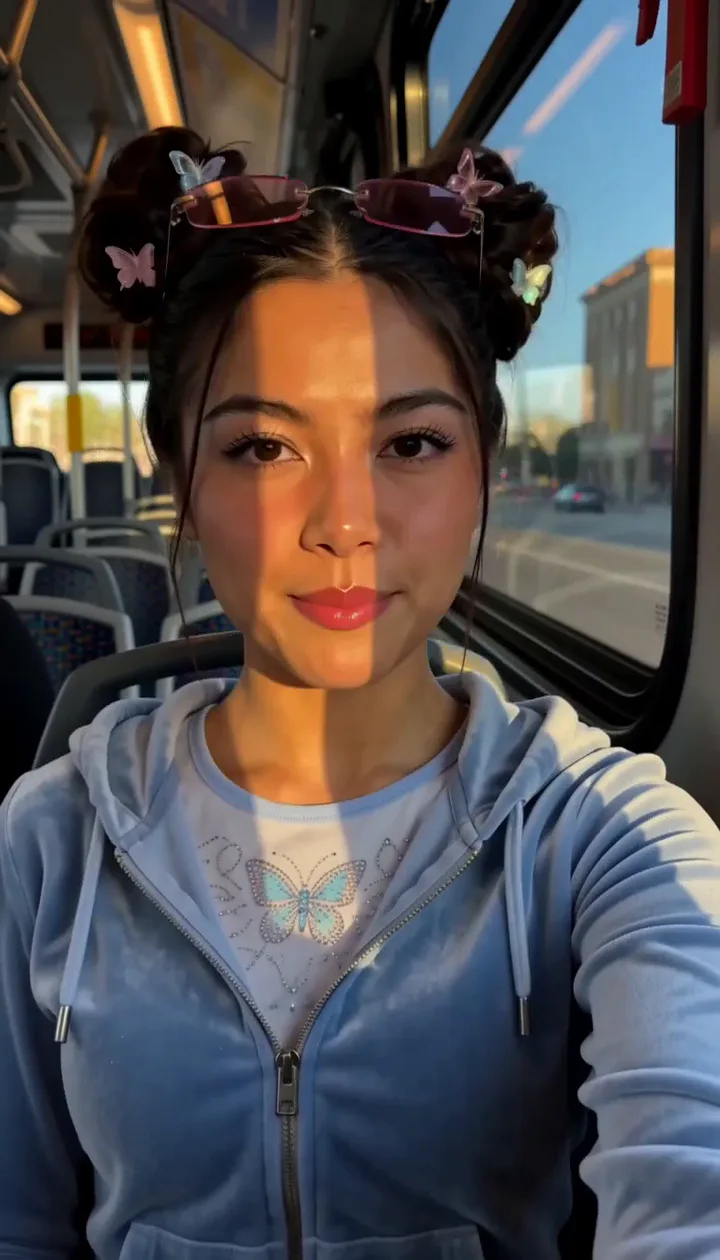
Phone diary
Their own footage of a day, a trip or a tour, the lines sung into the phone.
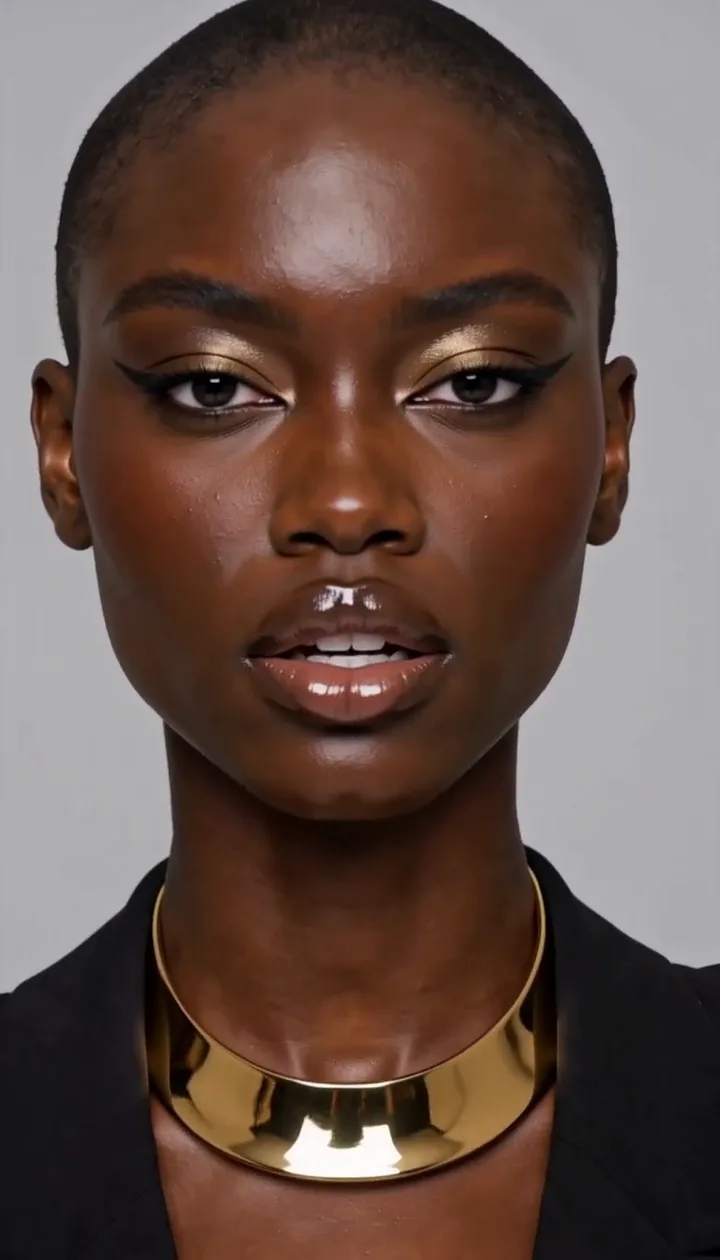
Fashion editorial
Poses, fabric and light, cut like a fashion film.
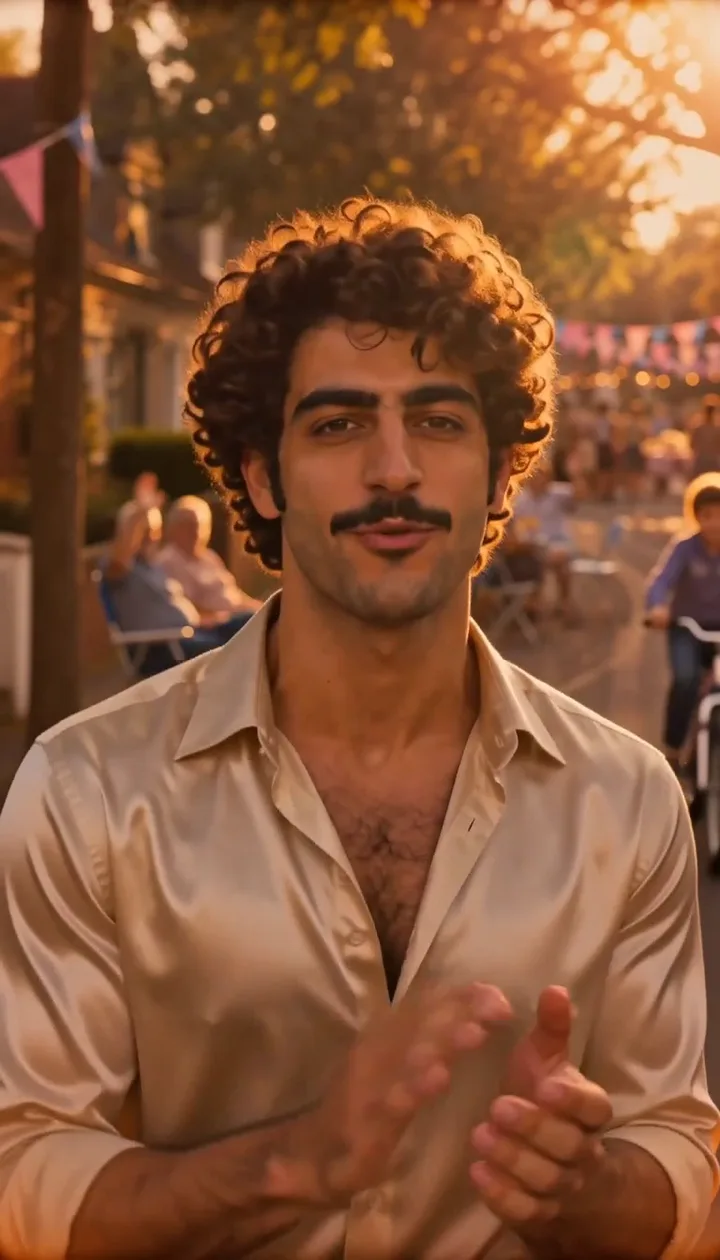
One take
One unbroken take with the performer from start to end, held still or travelling.
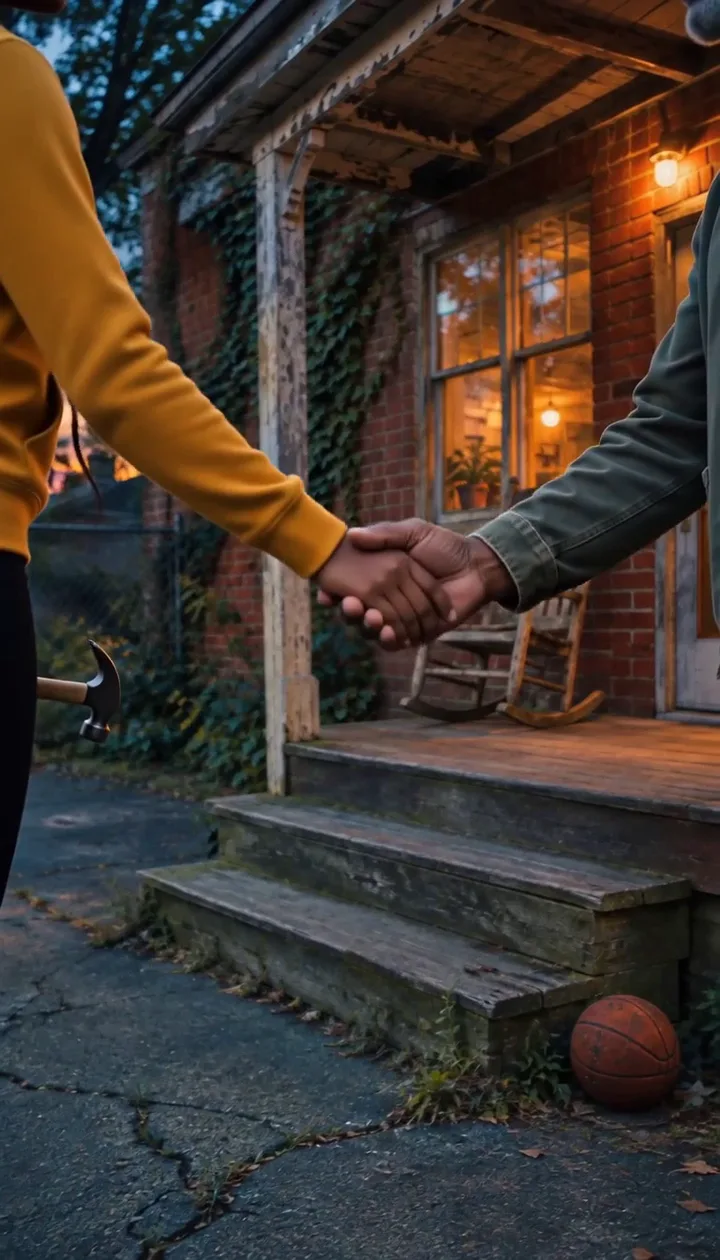
Story with a cast
Other people live the song’s story; the performer doesn’t appear.

Mood
One material, its light and color moving with the music; no one on screen.

Places
A journey through places that suit the song; no one on screen.
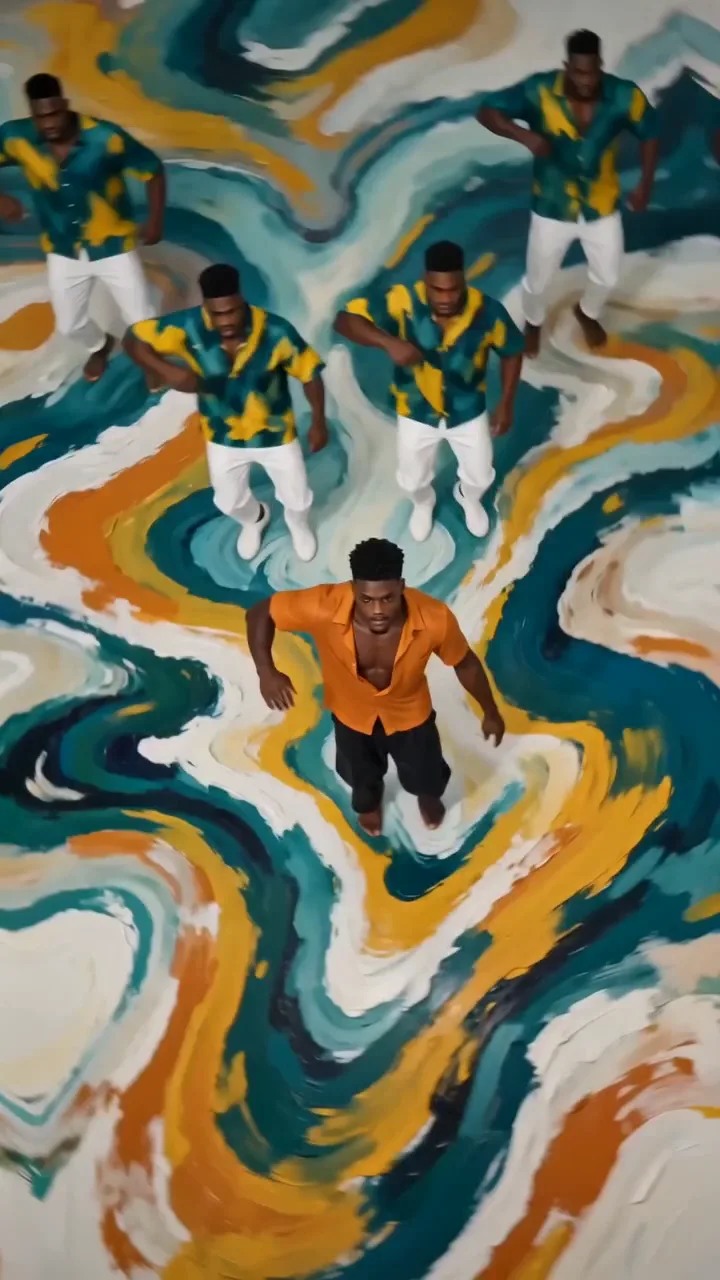
Dance
Choreography: the performer and dancers move with the song.
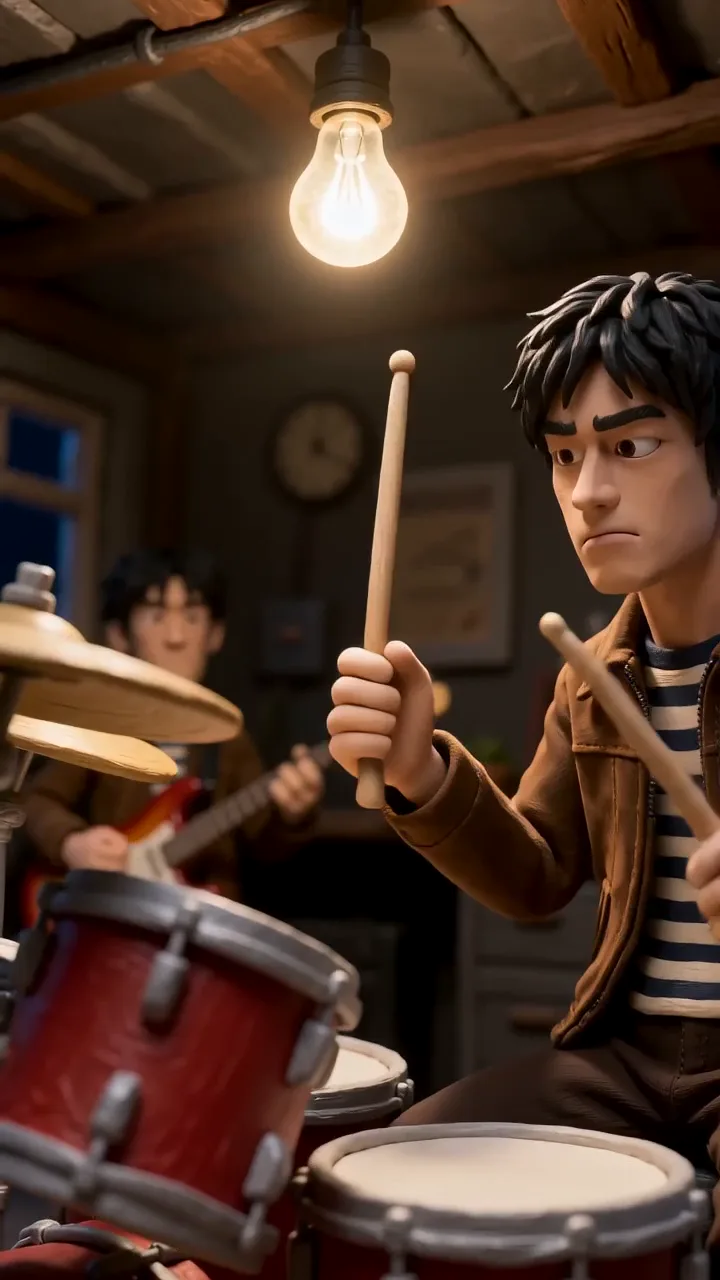
Band
The whole band performs the song together.

Action
A chase toward one goal, cut fast to the song, the performer singing between.
A slow ballad suits a performance or a mood piece. A story song wants a story. A big chorus can carry a live stage. If you're stuck, music video ideas goes through each kind with what it suits.
Step 4: give the song a face
Most AI songs don't have a real singer to film. You have two honest options:
- A performer: make the artist's character once from one to six photos of a face you have the right to use (your own, or a persona you own), and it sings your song, lip-synced word for word.
- No one on screen: the mood, places and story-with-a-cast kinds don't show the artist at all.
Never use a real artist's face or a look-alike. Stores and distributors remove impersonation, and it's the fastest way to lose a release.
Step 5: brief it, check the shots, make it
In Kinetune's AI music video maker, say what you see in a sentence or two. A director writes a shot list from the song (its sections, its words, its tempo) that you can read and change before anything is filmed. Then MiniMax H3 Max, Seedance 2.0, Seedance 2.0 Fast, Seedance 2.0 Mini, or Seedance 2.5 films it shot by shot, the singer's mouth following your vocal, and it's cut together like an official video.
Pick the shape before it's filmed, so the singer is framed for the screen: 9:16 for TikTok, Reels and Shorts, 16:9 for YouTube. A music video can run 15 seconds to 10 minutes. The price shows before anything is made; right now it starts at 303 credits for a 15-second music video at 480p:
An AI music video
- 15 seconds · 480p303credits≈ $2.02
- 30 seconds · 480p576credits≈ $3.84
- 15 seconds · 768p467credits≈ $3.11
- 30 seconds · 768p903credits≈ $6.02
- 15 seconds · 1080p903credits≈ $6.02
- 30 seconds · 1080p1,776credits≈ $11.84
Dollar figures at Pro’s monthly price, 0.67¢ a credit. Yearly plans cost less.
Step 6: the rest of the release
The same upload makes the other visuals:
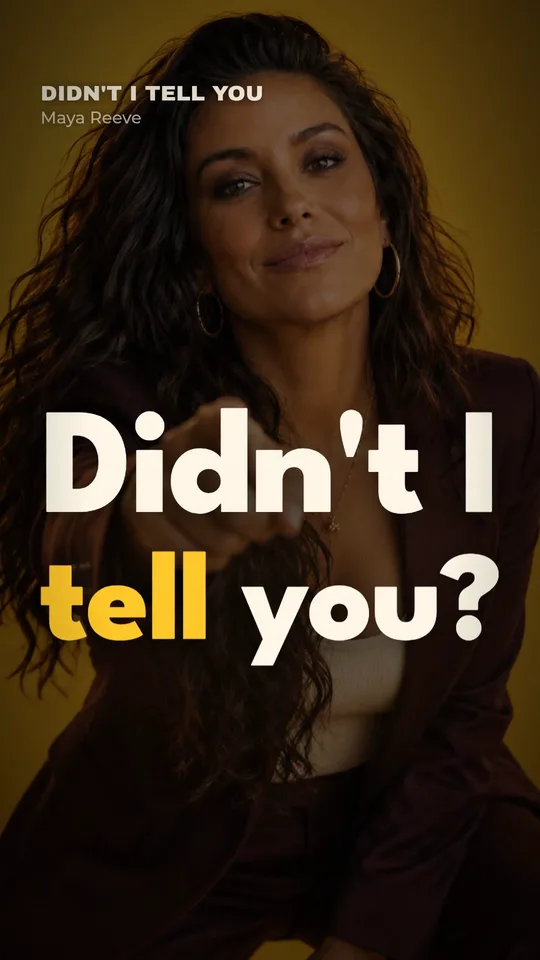
- A lyric video, every word timed to the AI vocal, in vertical, wide and square. How to make a lyric video has the details.
- A Spotify Canvas, a silent 8-second loop for Now Playing.
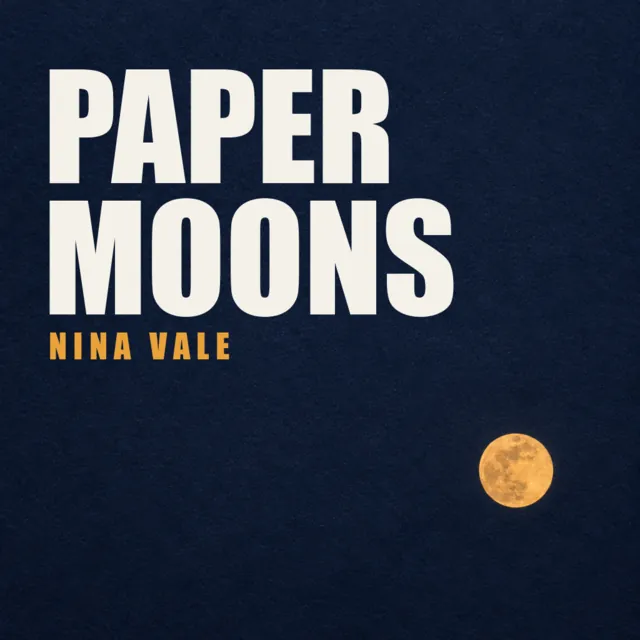
- A cover, if you don't have one yet.
A short clip of the music video's best moment, cut vertical, is your TikTok and Reels teaser. Promoting a song on TikTok covers what to post when.
Sources
- Suno Help: Who owns the songs I make?, checked
- Suno Help: Commercial use of songs made on the free plan, checked
- Suno: Terms of Service (revised August 10, 2026), checked
- Suno blog: Updates to our terms (downloads), checked
- Udio: Terms of Service, checked
- Spotify: Platform rules (impersonation), checked
- DistroKid: Can I upload music made with AI tools?, checked