How to make a lyric video
Make a lyric video that people actually read: time every word, pick a style that suits the song, and post the right shape on YouTube, Shorts and Reels.
Updated
A lyric video does one job: it lets someone sing along the first time they hear your song. Everything else, the look, the motion, the background, is there to serve that. Get the words on screen at the right moment, readable, in a shape that fits the screen, and you've done most of it.
There are two ways to get there: build it by hand in a video editor, or let a lyric video maker do the timing and the layout for you. Here's what each takes.
By hand, in a video editor
- Write out the lyrics exactly as sung, ad-libs included, broken into lines the way you'd sing them.
- Mark the timing. Play the song and drop a marker at the start of each line, then each word you want to land on its own. This is the slow part: a three-minute song has hundreds of words.
- Set the type. Pick one or two typefaces, a size that reads on a phone, and where the lines sit.
- Animate. Bring each line in on its marker and out before the next. Add motion to the words that matter.
- Add a background: a photo, a loop, the cover, a filmed clip.
- Export each shape you need, re-laying the text for each one.
It works, and you control every frame. It also takes hours per song, and days per song if you want every word timed.
The parts people get wrong
Timing. Words that arrive late feel broken; words that arrive early spoil the line. Aim for each word to land on its first syllable, and each line to be up a beat before it's sung in fast songs, so people have time to read.
Reading time. A line needs to stay up long enough to read twice. If the vocal moves faster than that, show the line and let the words light up as they're sung instead of swapping lines every half second.
Line breaks. Break where the singer breathes, not where the screen runs out. "I can't keep it / contained" reads like the song; "I can't keep / it contained" doesn't.
Contrast. Light text over a busy, light background disappears on a phone in the sun. Darken the background, add a soft shadow, or put the words in the calm part of the frame.
Spelling. Get the lyrics right. Fans notice, and they'll say so in the comments.
Which shapes to make
| Shape | Size | Where it goes |
|---|---|---|
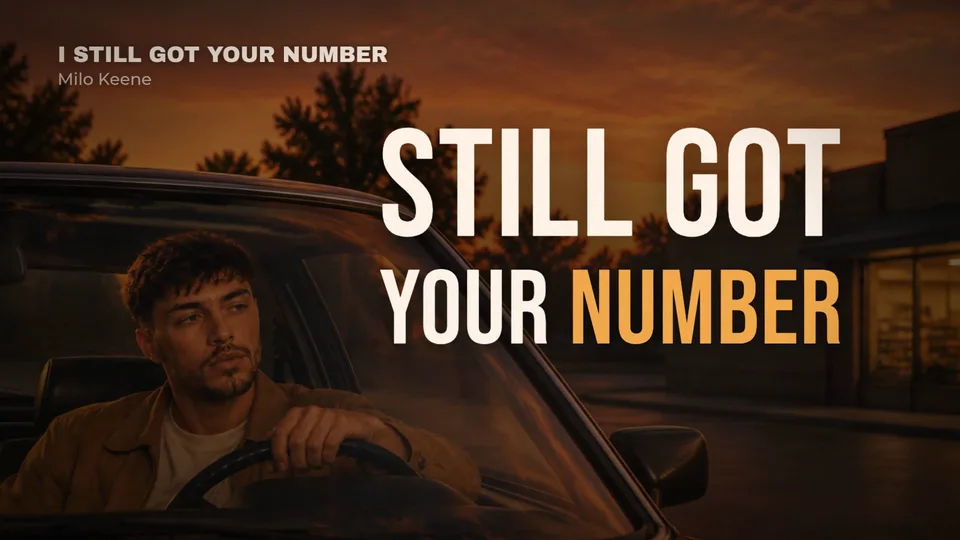
| 16:9 wide | 1920 × 1080 | YouTube, your website, a TV |
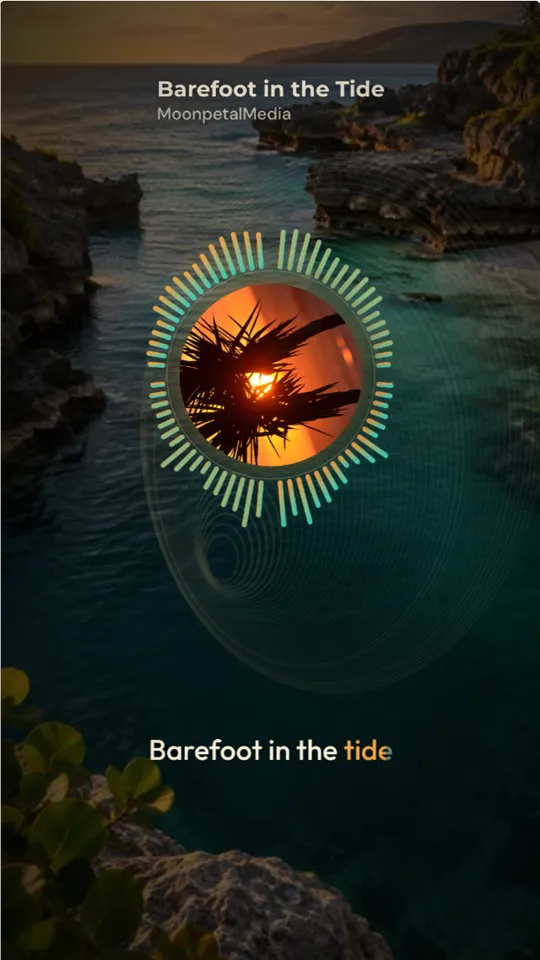
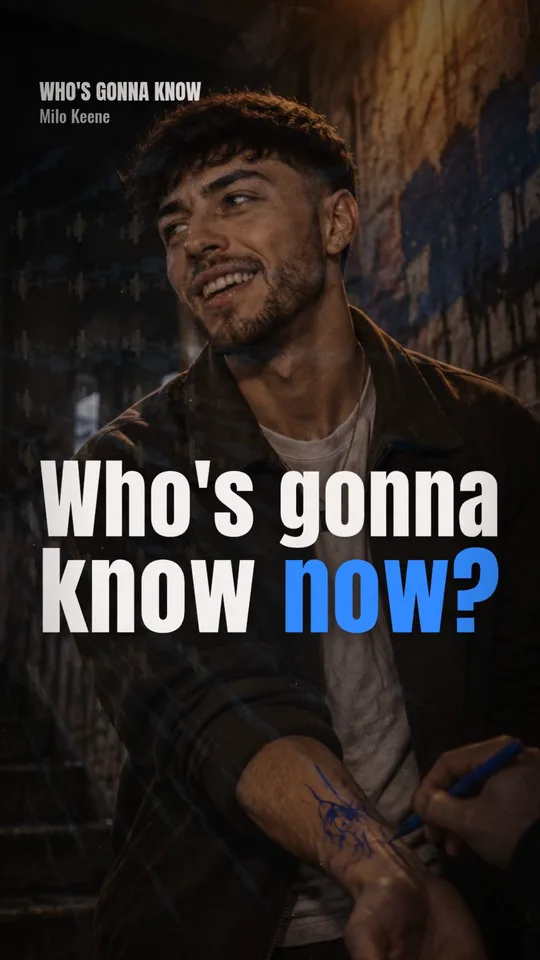
| 9:16 vertical | 1080 × 1920 | YouTube Shorts, Instagram Reels, TikTok, Stories |
| 1:1 square | 1080 × 1080 | Instagram and Facebook feeds, X |
Don't make one wide video and crop it. Cropping a 16:9 lyric video to 9:16 cuts the ends off every line. Each shape needs its own layout: shorter lines and bigger type for vertical, room for the picture in wide.
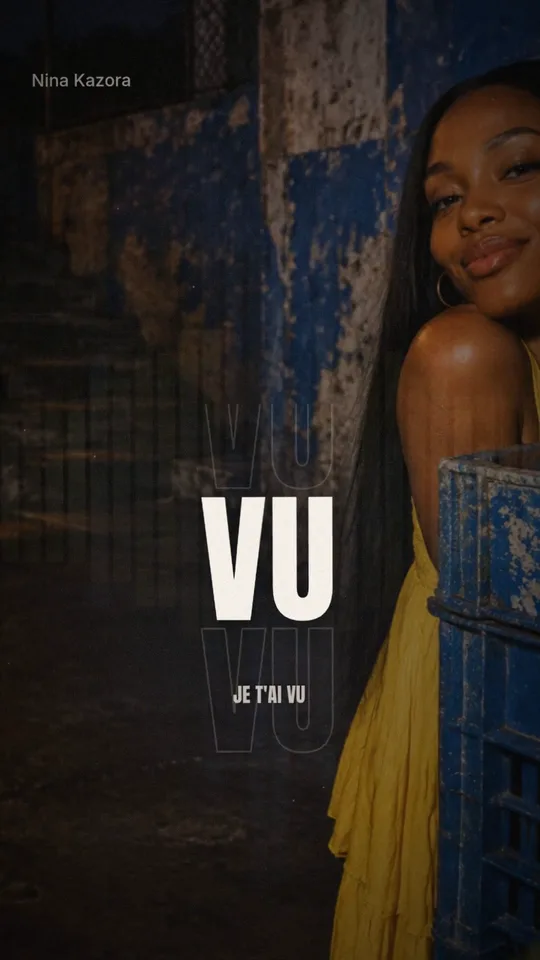
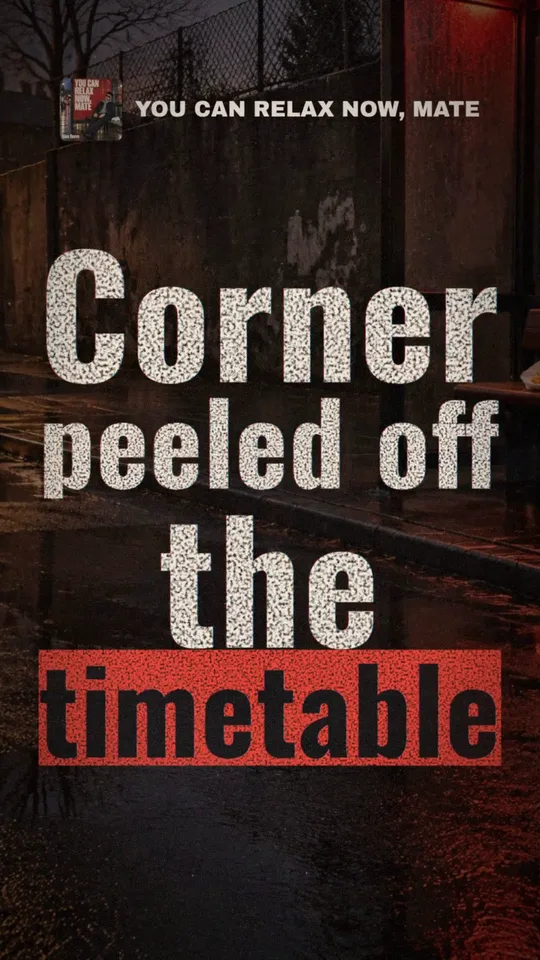
YouTube, Shorts and Reels
On YouTube, post the full song in 16:9. It's the version people search for and share, and the one that collects views for years. The YouTube lyric video checklist covers the title, thumbnail, chapters and upload settings.
As a Short, a vertical or square video up to 3 minutes counts. That's enough for the whole song in many genres, but YouTube blocks any Short longer than one minute that has an active copyright claim. If your distributor runs Content ID on your music, it can claim your own upload, so post a chorus under a minute or get your channel allowlisted first.
On Reels and TikTok, post the hook: 15 to 30 seconds from the line people will remember. Instagram lets you record up to 20 minutes, but it only recommends Reels of 3 minutes or less to people who don't follow you. A short clip people watch twice beats a long one they swipe past.
The faster way
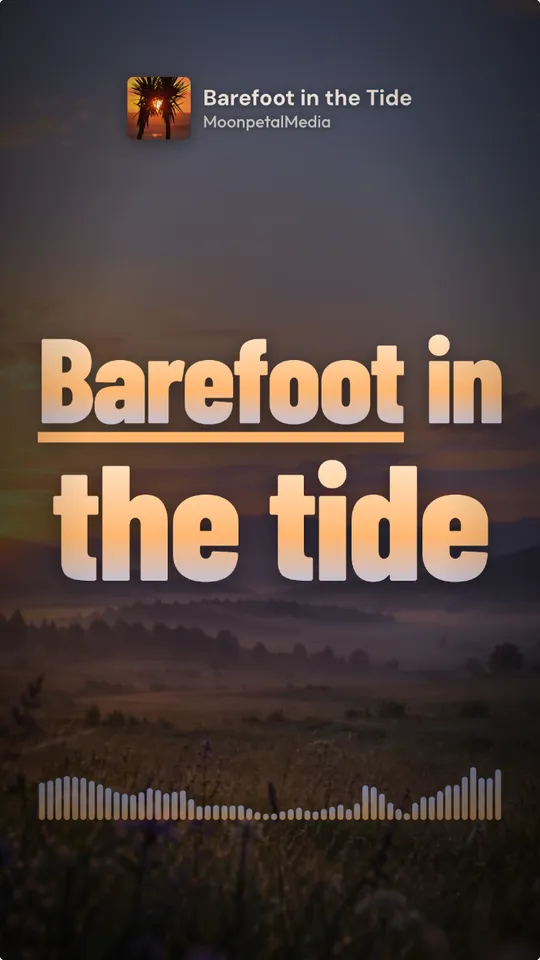
Kinetune works from your audio file. It hears the vocal, writes down what's sung (or takes your own lyrics and lines them up) and times every word. Then it designs a Look for your song: one of 61 lyric styles for how the words move, plus the colors, type and background. You pick the shapes (9:16, 16:9 and 1:1) and the part of the song, and each shape is laid out for its own screen.
There's no timeline to edit, and you see the exact price before anything is made. Here's what a 2:47 song costs in one shape:
A lyric video of a 2:47 song, one format
- A Look you already have45credits≈ 30¢
- A new Look, AI image75credits≈ 50¢
Dollar figures at Pro’s monthly price, 0.67¢ a credit. Yearly plans cost less.
Each extra shape adds 7 credits per started half-minute.