The YouTube lyric video checklist
Everything to check before your lyric video goes up on YouTube: the file, the title, the thumbnail, chapters, and Content ID claims on your own song.
Updated
A lyric video is often the most-watched video a single gets on YouTube: it's what people find when they search the song, and what they share when they want a friend to hear the words. It's worth ten minutes of checks before it goes up. Here they are, in the order you'll meet them.
Before you upload
The file. YouTube's standard shape is 16:9, and its recommended settings are an MP4 with H.264 video and AAC audio at 48 kHz. Upload 1080p at least (1920 × 1080); YouTube suggests around 8 Mbps for 1080p and 35 to 45 Mbps for 4K. Upload the best file you have: YouTube re-encodes everything, so starting sharp matters.
The lyrics. Read them through once more against the video. A typo in a lyric video gets screenshotted.
Your rights. If the song is released through a distributor that runs Content ID, read the section on claims below before you publish.
Title, description and thumbnail
Title. Fans search for the artist and the song, so put both first: Artist - Song (Lyric Video). Spell the song exactly as on Spotify and Apple Music, so the two match up.
Description. First line: the song, with a link to listen everywhere. Then the full lyrics (people search for lines), the credits (writers, producers, who made the video) and your socials.
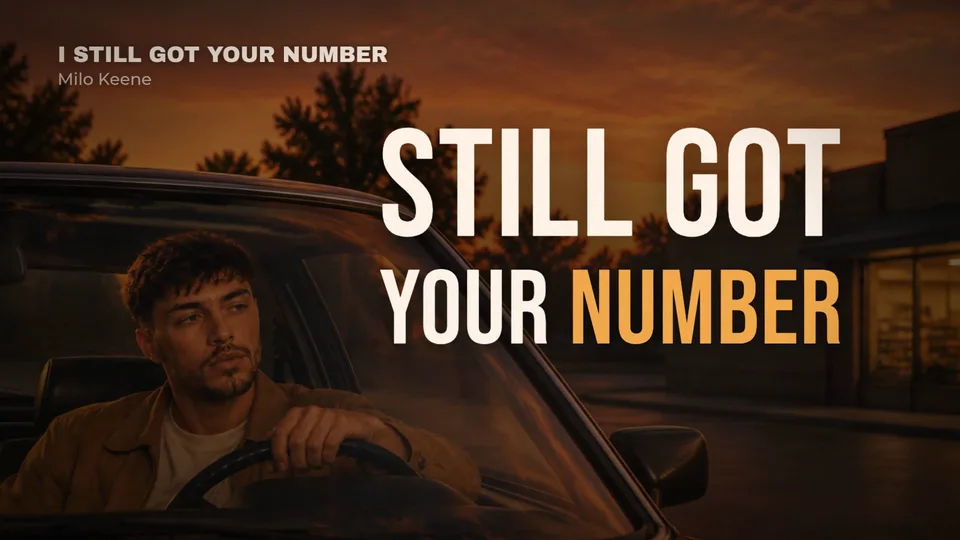
Thumbnail. YouTube's thumbnails are 16:9. It now recommends large images (up to 3840 × 2160) with a minimum width of 640 px; the file can be up to 2 MB from the phone app and 50 MB on a computer. Custom thumbnails need a verified account. A frame with the hook line in big type and the artist's face works better than the cover with tiny text.
Chapters
On a long song, chapters let people jump to the chorus. YouTube's rules: the first timestamp is 00:00, there are at least three, in order, and each is at least 10 seconds long. Put them in the description:
- 00:00 Intro
- 00:12 Verse 1
- 00:41 Chorus
- 01:10 Verse 2
Content ID and your own song
This is the one that catches people out. When your distributor sends your song to YouTube, it may also register it with Content ID, YouTube's system that spots the song in any upload. It can't tell your channel from a stranger's, so your own lyric video gets claimed, and the ads money goes to the claim.
- Before you upload, ask your distributor to allowlist your channel. Allowlisting is done by rights holders in YouTube's Content Manager, which is why it has to go through them.
- If a claim already landed, allowlisting won't release it automatically. You can dispute it in YouTube Studio if you're confident you have all the rights.
- A claim usually doesn't affect your channel itself, but it does matter for Shorts: YouTube blocks any Short over one minute with an active claim until it's resolved.
Your song's other YouTube versions
Your distributor also makes an Art Track on YouTube Music: the audio with the cover, generated automatically. You don't need to upload it; your lyric video sits beside it, and it's the one with something to watch.
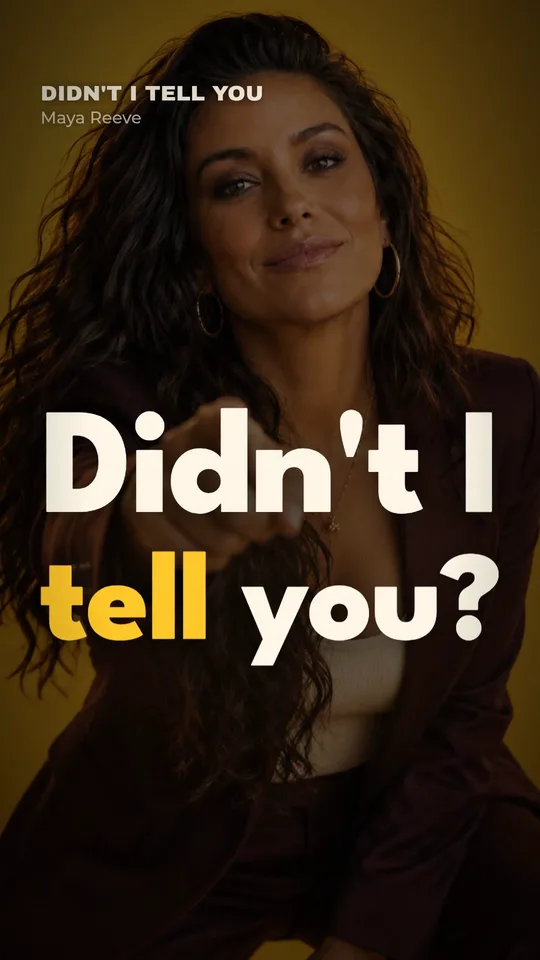
Post a vertical version as a Short too: a chorus under a minute plays it safe with claims. Kinetune for YouTube Shorts covers the details.
Make the lyric video
Kinetune's lyric video maker times every word to your vocal and lays it out for 16:9, with a 9:16 version for Shorts from the same song. You pick from 61 lyric styles and see the price before anything is made:
A lyric video of a 2:47 song, one format
- A Look you already have45credits≈ 30¢
- A new Look, AI image75credits≈ 50¢
Dollar figures at Pro’s monthly price, 0.67¢ a credit. Yearly plans cost less.
Sources
- YouTube Help: Recommended upload encoding settings, checked
- YouTube Help: Add video thumbnails, checked
- YouTube Help: Video chapters, checked
- YouTube Help: Dispute a Content ID claim, checked
- YouTube Help: Allowlist channels (Content ID), checked
- YouTube Help: Art Tracks, checked
- YouTube Help: Claimed Shorts over one minute, checked