How to promote a song on TikTok
Get your song on TikTok as a sound, then post the right clips: 9:16, the hook in the first seconds, words clear of the buttons, before and after release day.
Updated
On TikTok, a song spreads when other people use it. Your own posts are the spark: they show people the part of the song worth using and teach them the words. That means the job isn't one big launch video; it's a run of short clips, all pointing at the same 10 seconds of your song.
First, get the song onto TikTok
People can only use your song if it's on TikTok as a sound. That comes from distribution, not from uploading a video:
- Through your distributor: tick TikTok as a store when you upload the release. Most distributors offer it. DistroKid, for one, was the first to send independent artists' music to TikTok, and can set up a TikTok artist account from its dashboard.
- Through SoundOn, TikTok's own platform for artists to upload music to TikTok directly.
Until the official sound is live, posts use your video's audio as an "original sound". That's fine for teasers, but switch to the official sound once it's out, so every use counts toward the real song.
Pick the 10 seconds
Every clip you post should come back to the same part of the song: usually the hook, sometimes one line that says something people want to say. Find it by asking which line you'd text to a friend. Start your clips on it. TikTok viewers decide in the first second or two; an intro is a swipe.
The clips to post
Make a handful, not one. Each does a different job:
| Clip | Length | What it's for |
|---|---|---|
| Lyric clip of the hook | 10 to 20 s | Teaches the words, so people can use the sound |
| Performance clip | 10 to 30 s | Shows the artist; makes it feel like a person, not an ad |
| The story behind a line | 20 to 45 s | You, talking to camera, then the line plays |
| A full verse and chorus | 30 to 60 s | For people who liked the hook and want more |
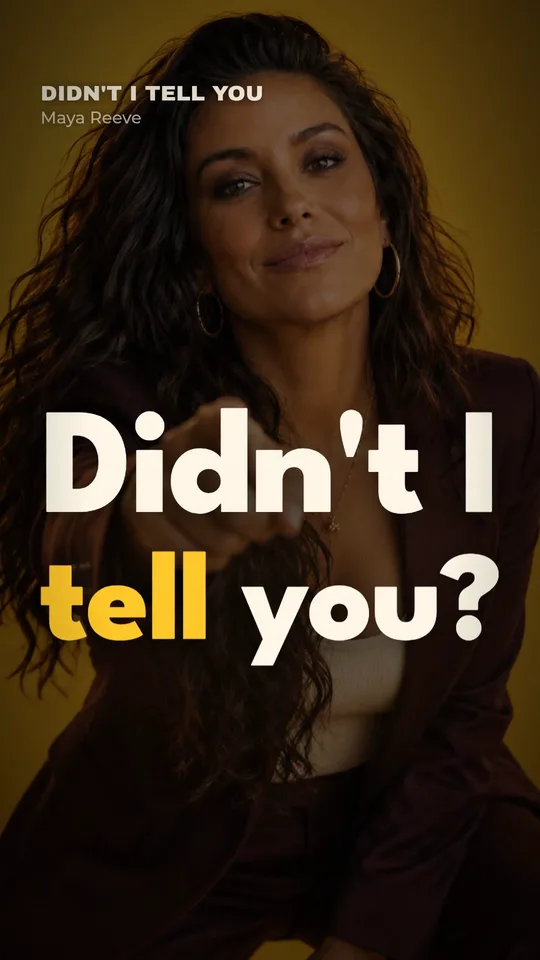
A lyric clip is the workhorse: on silent autoplay the words still land, and people learn the hook. Kinetune's lyric video maker makes vertical lyric clips of any part of the song, from a few seconds to the whole thing.
A performance clip can come from your music video, if you have one: cut the best 15 seconds vertical. If you don't, a short AI music video of just the chorus costs a fraction of a full video.
The 9:16 safe area
TikTok videos are vertical, 9:16. TikTok recommends exporting at 1080 × 1920 or higher.
The app draws a lot over your video: the caption and sound at the bottom, the buttons down the right side, the tabs at the top. TikTok says its safe zone depends on the caption length and the format, and gives template files rather than numbers. Meta's guidance for Reels is a good working rule on both apps: keep 14% at the top, 35% at the bottom and 6% at each side clear of anything important.
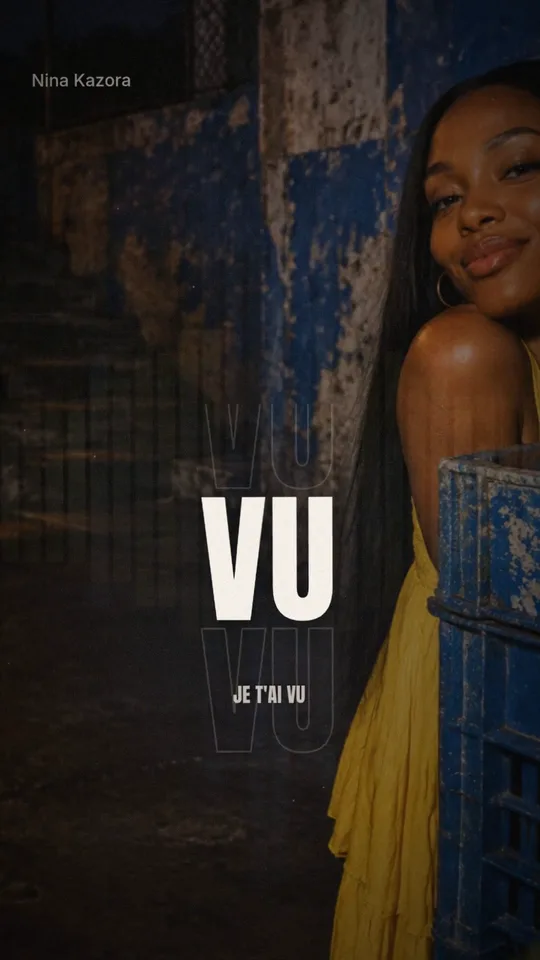
For a lyric clip, that means the words sit in the middle band of the screen, never at the very bottom, where they'd hide under your caption.
When to post
- Two to three weeks before release: one or two teasers with the hook, so the line is familiar on release day. Mention the date.
- Release day: the lyric clip on the official sound, and a clip of you reacting to it being out.
- The weeks after: the performance clip, the story behind a line, and the full verse and chorus. Reply to people who used the sound with your own clips.
Keep going after the first week. Songs often catch on TikTok weeks or months after release, when one person's video takes off; your clips are what they find when they look the song up.
Make the clips
Kinetune makes the vertical clips from your song: lyric videos timed to every word, in 61 lyric styles, laid out for 9:16, and music videos of any part of the song from 15 seconds. You see the price before anything is made.
A lyric video of a 2:47 song, one format
- A Look you already have45credits≈ 30¢
- A new Look, AI image75credits≈ 50¢
Dollar figures at Pro’s monthly price, 0.67¢ a credit. Yearly plans cost less.
The same song gives you the 16:9 version for YouTube and a square one for feeds. Kinetune for TikTok shows what fits where.
Sources
- TikTok Business: Video advertising guide (9:16, 1080 × 1920), checked
- TikTok Ads: In-feed ad specs and safe zone, checked
- TikTok newsroom: SoundOn (March 9, 2022), checked
- TikTok newsroom: Artist accounts for DistroKid members (July 18, 2024), checked
- Meta: Instagram Reels ad specs (safe zone), checked