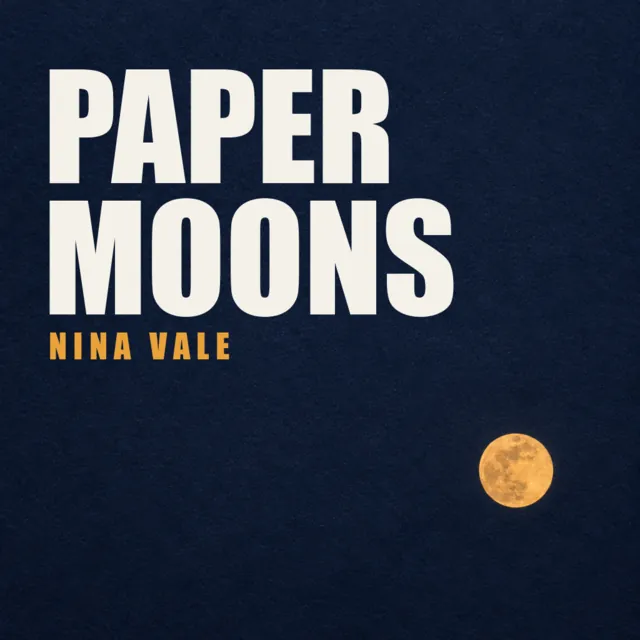
Cover art size and requirements for every store
Spotify, Apple Music, DistroKid, TuneCore and CD Baby each set their own cover art rules. One file passes them all: 3000 × 3000, RGB, JPG.
Updated
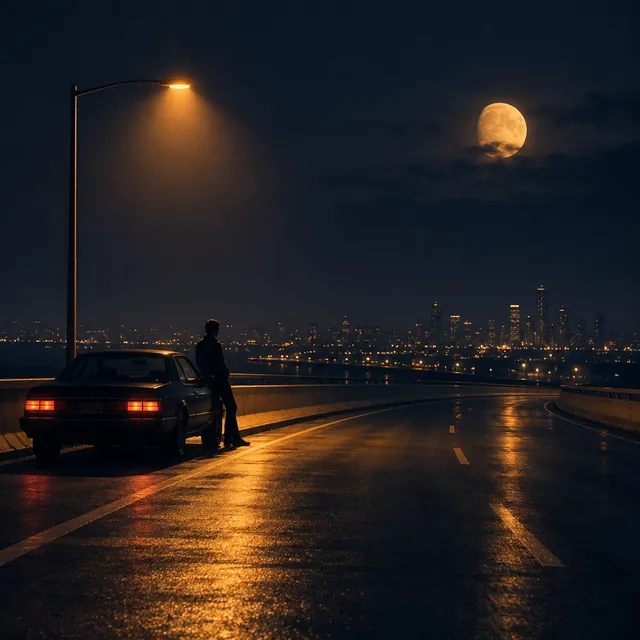
Your cover goes to your distributor once, and from there to every store. Each store, and each distributor, has its own rules, and a cover that breaks one of them can hold up the whole release. The good news: one file passes them all.
The short answer: a square 3000 × 3000 pixel JPG in RGB color, under 10 MB, with no text except your artist name and song title, spelled exactly as in your release.
Kinetune's cover art maker makes covers to that spec from your song.
Sizes and files, side by side
| Where | Size | File |
|---|---|---|
| Spotify | Square, 640 to 10,000 px | JPG, PNG or TIFF |
| Apple Music | 3000 × 3000 recommended, 1400 minimum | JPG or PNG |
| DistroKid | 3000 × 3000 ideal, 1000 minimum | JPG |
| TuneCore | 1600 to 3000 px, under 10 MB | JPG, PNG or GIF |
| CD Baby | 1400 to 3000 px, under 25 MB | JPG, PNG or GIF |
Every one of them wants RGB color, never CMYK (Spotify says sRGB). Two things fall out of that table. 3000 × 3000 is the one size everyone takes: it's Apple's recommendation and the top of TuneCore's and CD Baby's range. And JPG is the one file everyone takes: DistroKid asks for .jpg only.
Don't upscale. Both Spotify and Apple say so: blowing up a 1000 px image to 3000 px doesn't add detail, it adds blur, and Apple rejects art that's blurry or pixelated.
YouTube Music needs nothing extra from you: your distributor sends the cover with the song, and YouTube makes an Art Track from the two.
What gets a cover rejected
The rules differ in the details, but the same things come up at Apple, DistroKid, TuneCore and CD Baby:
- Blurry, pixelated, stretched or rotated images, and generic art such as a plain colored square.
- Web addresses, social handles, QR codes and email addresses.
- Store names and logos, and any other brand or trademark.
- Prices, release dates, and words like "CD", "vinyl" or "digital exclusive". Apple also refuses audio-format words like Atmos or lossless.
- Words that don't match the release. TuneCore allows only the artist name and the release title, exactly as you entered them; CD Baby says the same when they appear.
- Images you don't have the rights to, such as unlicensed stock photos or someone else's artwork.
- Nudity, at DistroKid's stores.
DistroKid also warns that using the same cover on more than one release may be rejected. Give every single its own.
The 64 px test
Most people first meet your cover the size of a fingernail: a row in a playlist, a search result, the mini player at the bottom of the app. A cover that looks great at 3000 px can turn into mud at 64.
Hold your cover next to these sizes before you send it:
- One subject. A face, an object or a shape, not a crowd.
- Strong contrast between the subject and the background.
- Big words, or none. A title that's readable at 3000 px but becomes a grey smear at 64 px is worse than no title.
- Nothing important in the corners, where some apps round them off.
Kinetune's free cover art checker shows your image at those sizes and on a mock Spotify and Apple Music row, and checks its size, shape, color and file in your browser. Nothing is uploaded.
AI-made covers
Stores take covers made with AI. Some distributors ask about it at upload: DistroKid asks whether the artwork is AI-generated, and counts art made from a prompt as yes and a photo you only edited as no. Answer honestly; it doesn't block the release.
Kinetune marks every cover it makes as AI-made, so you always know what to answer.
A cover made for the song
Kinetune listens to your song, works out what it's about and designs 1 to 4 covers a round in a style you choose (there are 13) or one it picks for the song. Your name and title are lettered in only if you want them, spelled exactly as in your release, and every cover is checked at a playlist row's size before you see it. Each one is 3000 × 3000, an sRGB JPG under 10 MB.
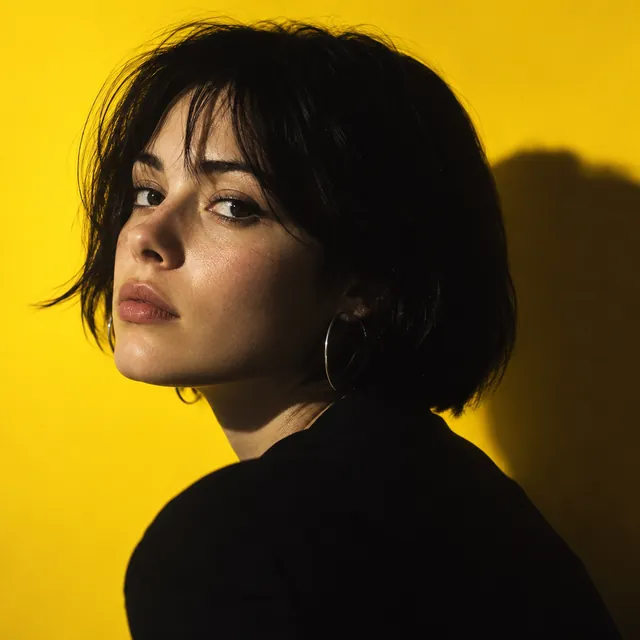
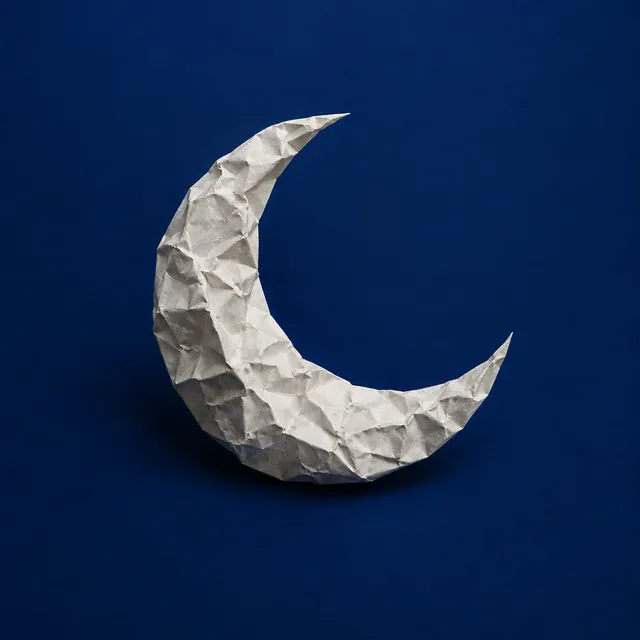
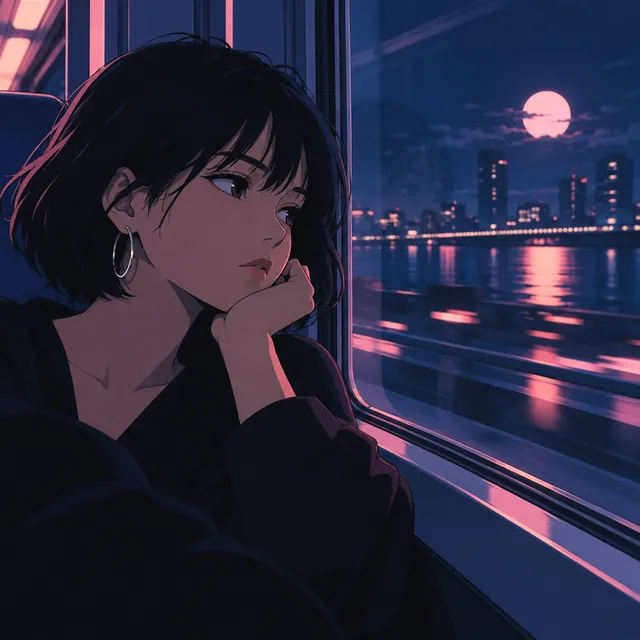
Cover art
- One cover22credits≈ 15¢
- 2 covers, 2 ideas32credits≈ 21¢
- 3 covers, 3 ideas42credits≈ 28¢
- 4 covers, 4 ideas52credits≈ 35¢
- Redraw one with a note16credits≈ 11¢
Dollar figures at Pro’s monthly price, 0.67¢ a credit. Yearly plans cost less.
Sources
- Spotify for Artists: Cover art requirements, checked
- Apple: Video and audio asset guide (artwork), checked
- Apple Music style guide (art rules), checked
- DistroKid: Requirements for album artwork, checked
- DistroKid: What counts as AI-generated artwork, checked
- TuneCore: Cover art formatting requirements, checked
- CD Baby: Artwork requirements, checked
- YouTube Help: Art Tracks, checked